

What BreathFriend measures and shows
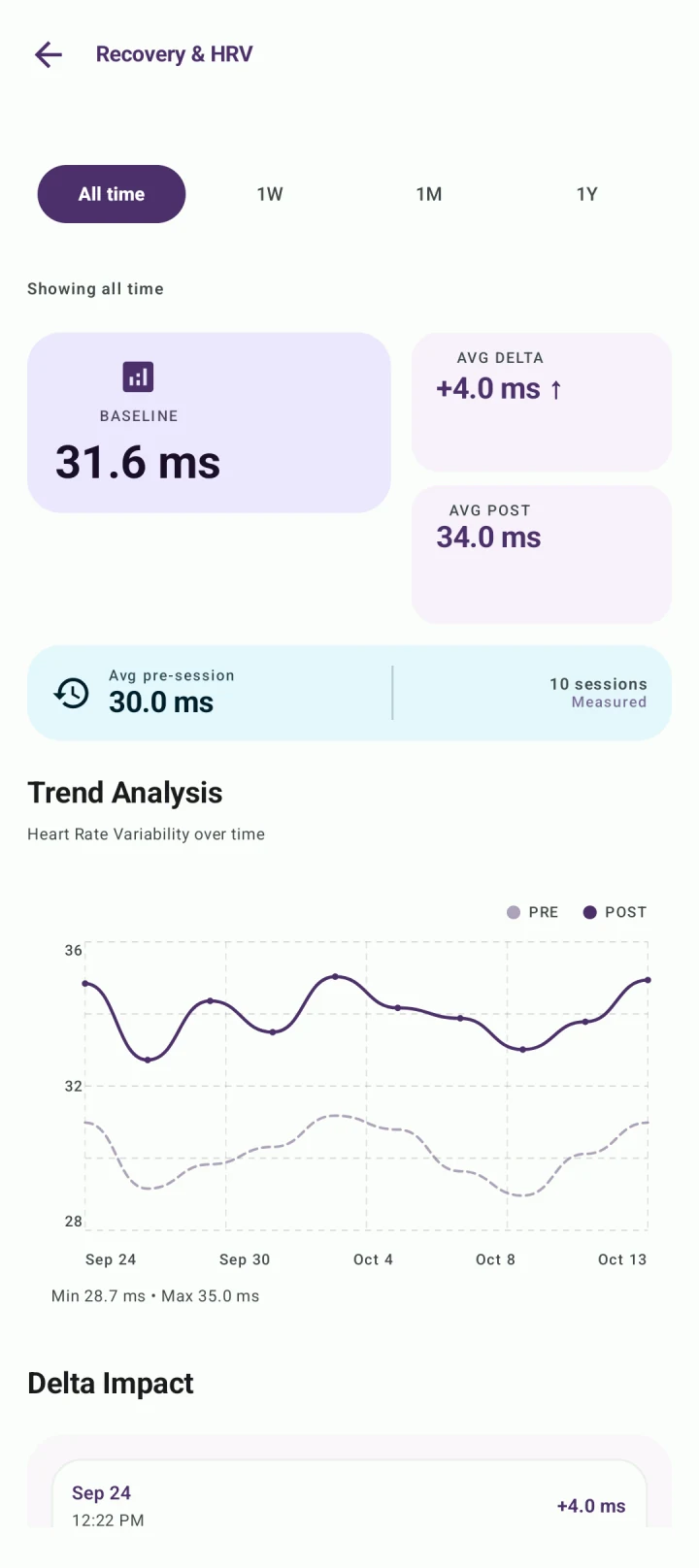
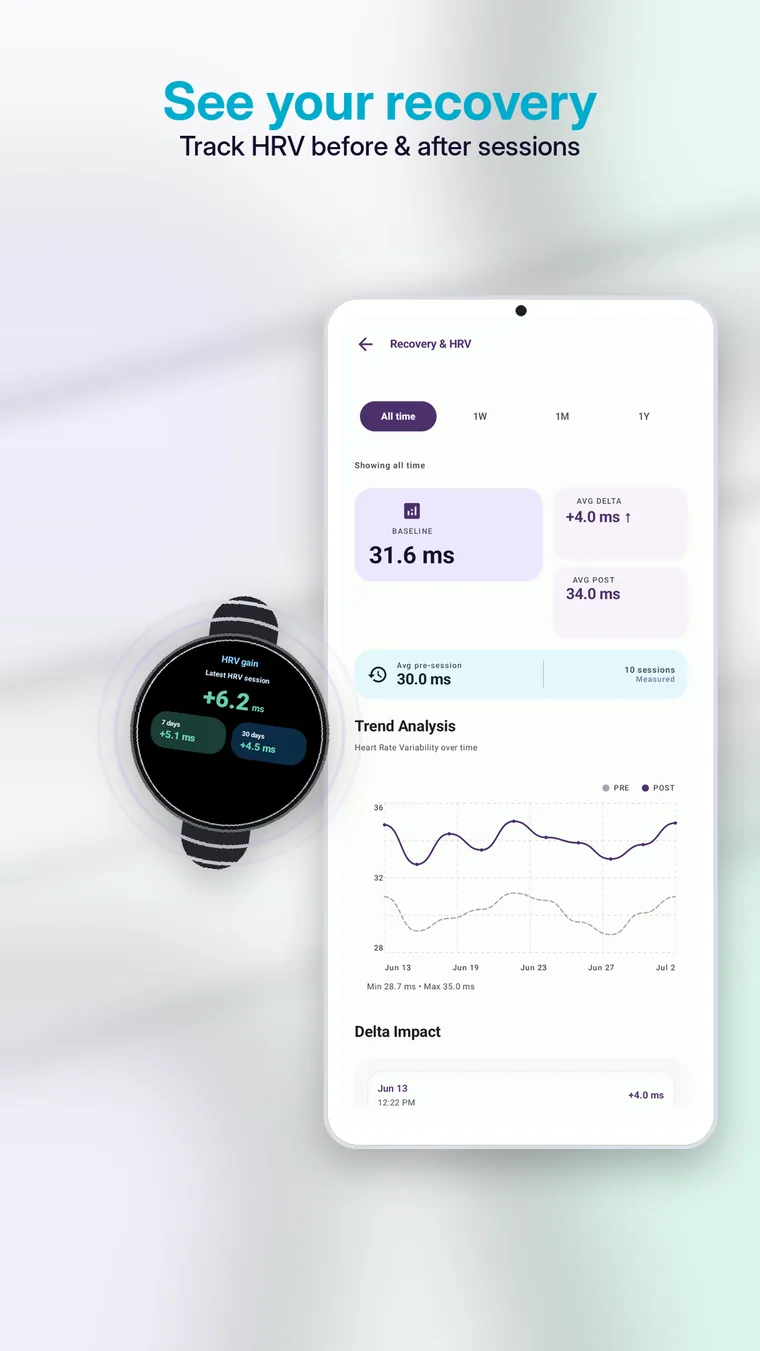
On supported devices and with appropriate permissions, BreathFriend captures pre-session and post-session HRV, presents the change after the exercise and builds longer-term recovery trends. Availability depends on the watch, sensor support, feature access and data permissions.
Health Connect integration
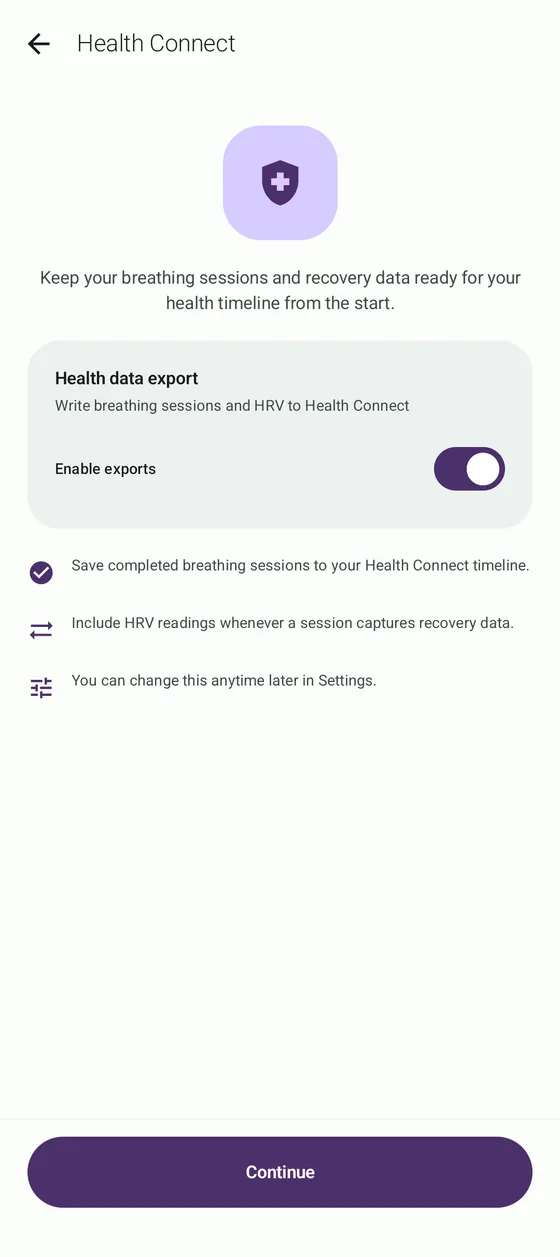
Health Connect can provide a shared Android data layer for supported health information. BreathFriend uses the integration only where the app and device support the relevant flow.
How this differs from live HRV biofeedback
BreathFriend's main recovery model compares measurements around a completed session; it does not claim continuous clinical beat-to-beat coaching during every breath. Apps built for live biofeedback may require compatible external sensors and answer a different question.
What HRV cannot tell you by itself
A single HRV value is not a diagnosis, and a higher number is not automatically better in every context. Sleep, activity, illness, stress, device fit and measurement timing can all affect readings.
To focus on the breathing experience itself, read the Wear OS guide or compare HRV breathing apps.