
Make time for mindful breathing.
Follow your breathing for a few quiet minutes. BreathFriend offers visual, voice and haptic cues, with adjustable timing on Android and Wear OS.
For Android phones and compatible Wear OS watches.

- Sit comfortably and notice your usual breathing before choosing a pattern.
- Pick a gentle rhythm and one guidance cue: visual, voice, sound or haptics.
- When your attention wanders, return to the next cue. End the session whenever you need to.
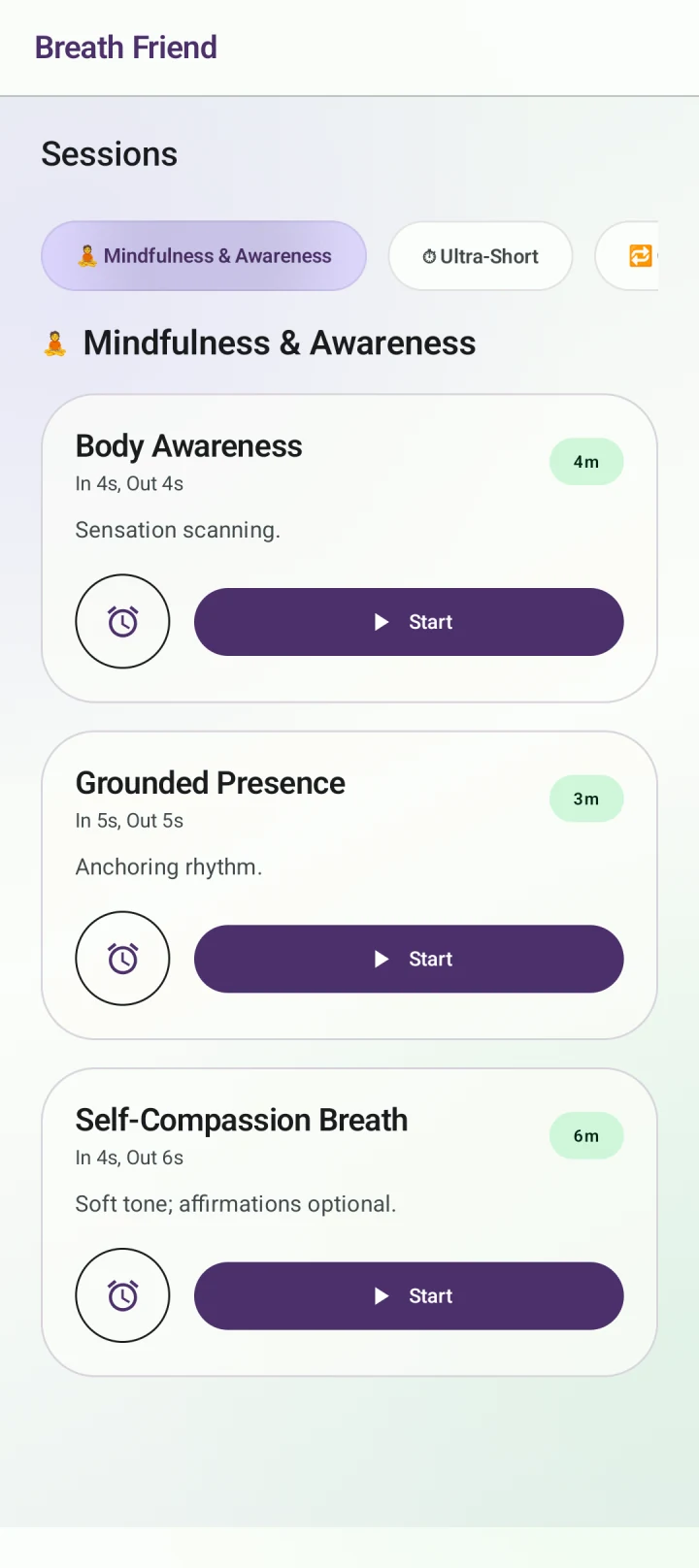
Follow the next phase
You do not need to keep a perfect count. The app marks the breathing phases, giving you a clear point to return to. You can look at the visual guide or use a cue you hear or feel, depending on the kind of session you want.
Keep the session as simple as you like
Nature backgrounds and ambient sounds are optional. For a quieter setup, use a plain visual guide or compatible watch haptics. Try different cues when you have time, then keep the setup that feels easiest to follow.
Build around a familiar moment
A short session after work or before a quiet activity can be enough to begin a routine. Session history lets you revisit your practice. There is no need to lengthen a session to make it count, and no guaranteed mental-health outcome.
Before you start
Is this a meditation course?
BreathFriend is centred on guided breathing patterns and sessions. It does not replace a full meditation course or clinical care.
Can I close my eyes?
Audio or compatible watch haptics can guide phase changes without looking at the display. Practise in a safe, stationary setting.
Can I turn off music?
Yes. Background sounds are optional, so you can choose only the guidance cues you want.
Set up your next breathing session.
Choose your rhythm and the cues you want to follow.
Get BreathFriend on Google PlayFeature access and Pro options are explained in the app.