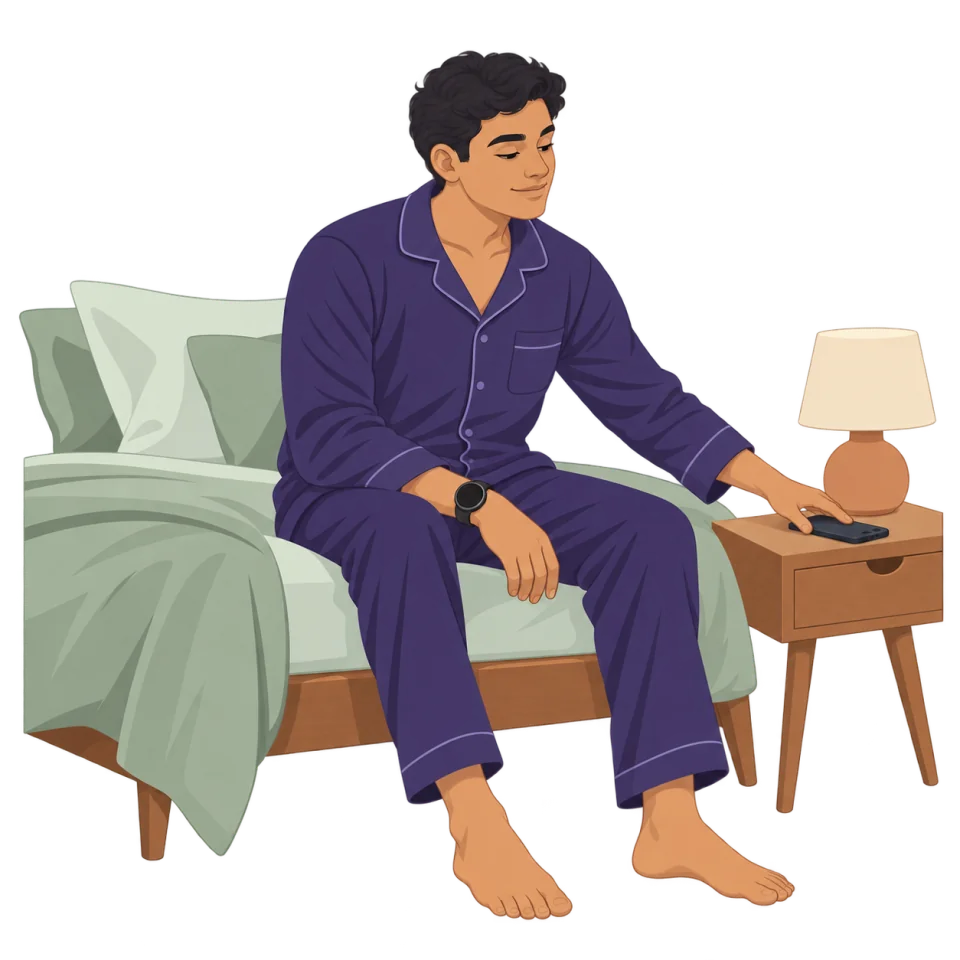
Guided breathing from your wrist — even with the screen off.
Guided breathing for Wear OS + Android
Start in seconds from your Wear OS watch, then follow configurable haptics, transition sounds, a voice you choose or visual guidance—with optional ambient audio and HRV recovery tracking.
Free download with optional Pro features. See features and supported devices.
Not ready to install? Try the free browser breathing timer.


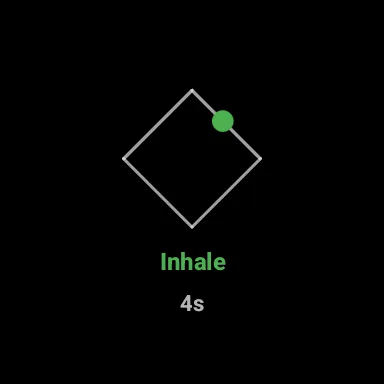
Choose a breathing goal
Find a routine for the moment you have.
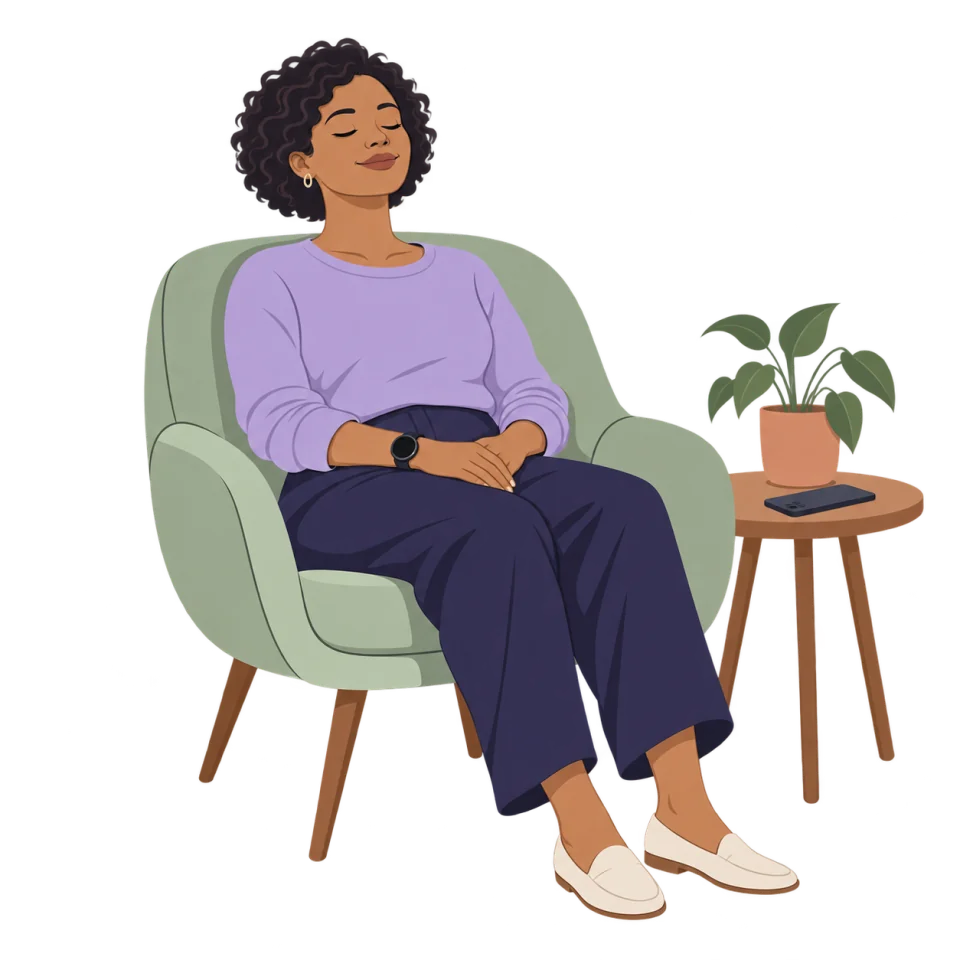
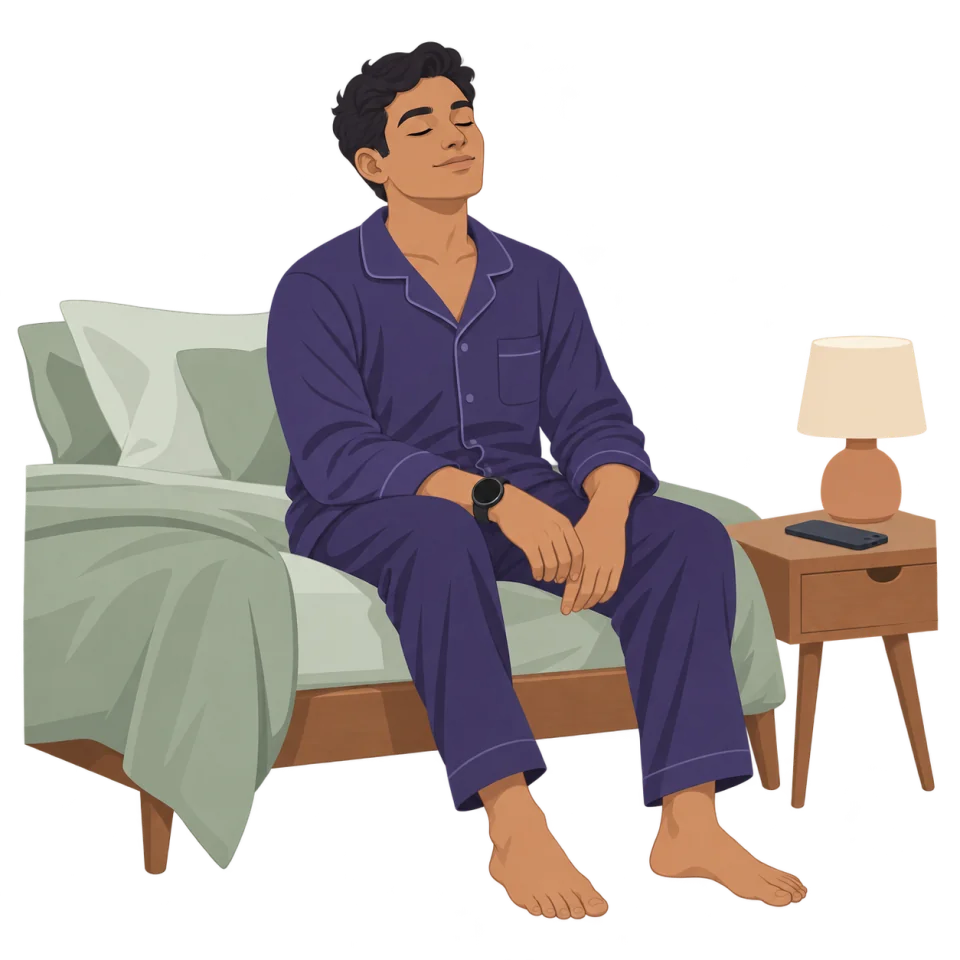

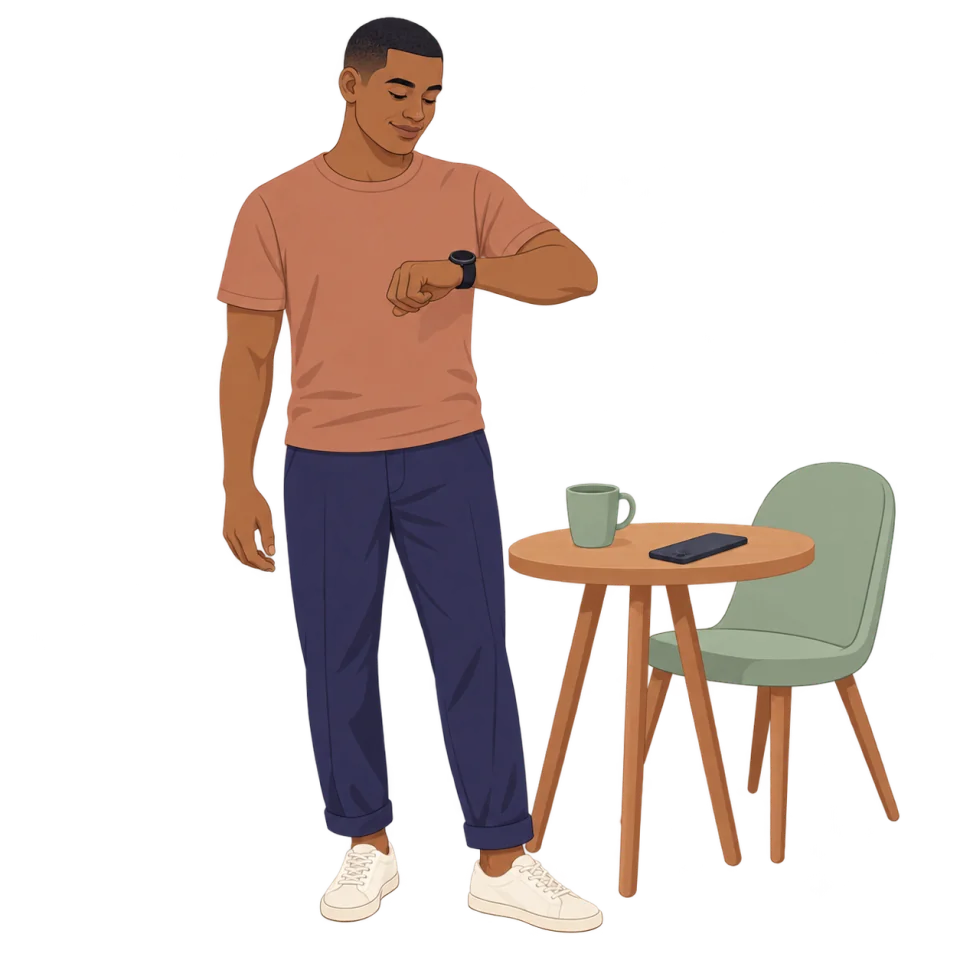





Calm guidance without making the session visible.
Screen-off sessions
Follow subtle watch cues while working, commuting or winding down for sleep. Your phone can stay out of your hands while haptics or sound mark each breathing phase.
- Start a short session directly from your watch.
- Feel or hear each phase change.
- Keep your phone put away.
- Choose cues that suit your surroundings.
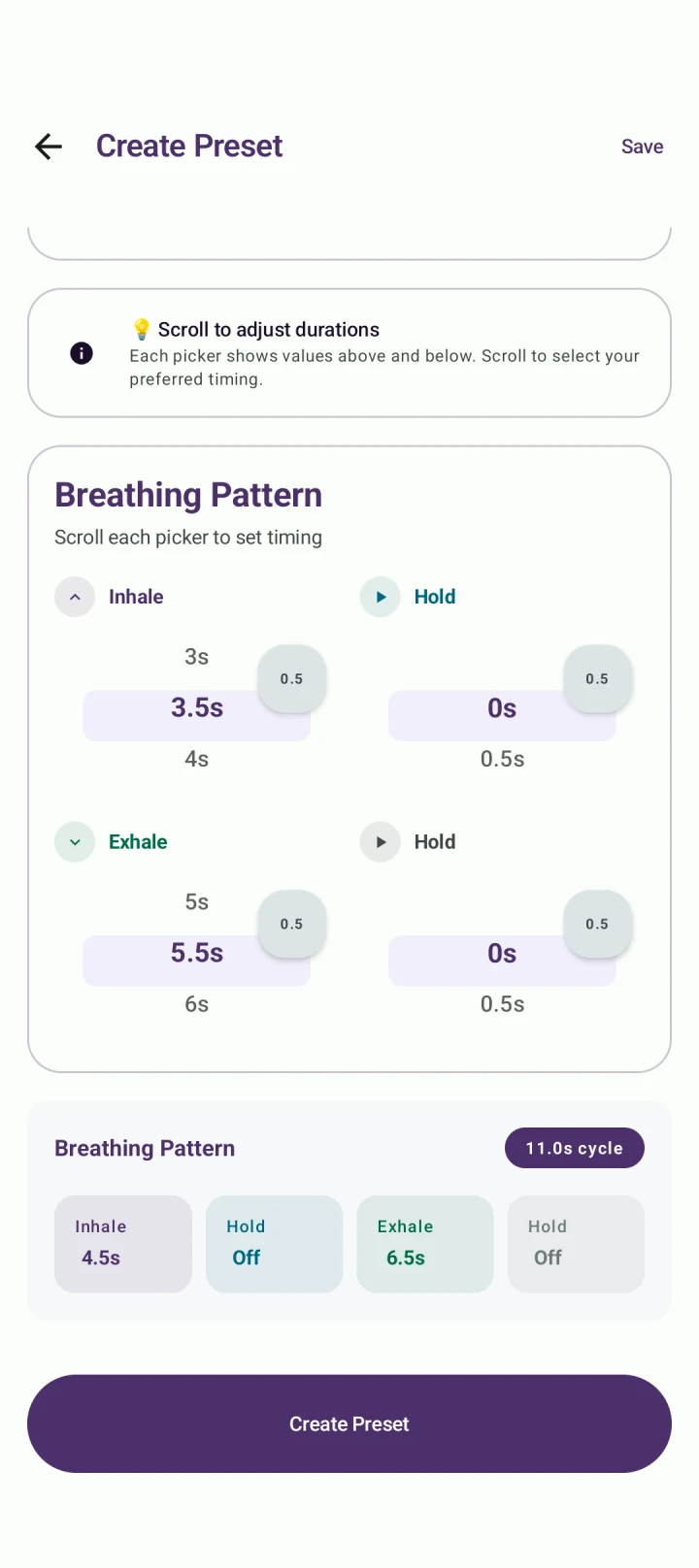
Create a rhythm that actually feels comfortable.
Flexible pacing
Guided presets are useful for a fast start, but breathing pace is personal. BreathFriend lets you adjust all four phases and save a pattern that suits your routine.
- Box breathing for a steady four-phase rhythm.
- 4-7-8 breathing for a slow wind-down pattern.
- Equal breathing for a simple balanced pace.
- Custom timing when the defaults feel too fast or too slow.
What users usually ask first.
Quick questions
What makes BreathFriend different from a phone-only breathing app?
BreathFriend is designed around Wear OS. You can start a guided session from your watch, choose the sensory guidance you prefer and measure HRV recovery around supported sessions without making the phone the center of the exercise.
Can BreathFriend guide a session while the screen is off?
BreathFriend is designed for screen-off and background-friendly use, especially on Wear OS. Exact background behavior can vary with watch model, operating-system version and battery restrictions.
Which breathing exercises are included?
BreathFriend includes guided patterns such as box breathing, 4-7-8 breathing and equal breathing, plus custom patterns with configurable inhale, hold, exhale and final-hold durations.
Can I create my own breathing pattern?
Yes. You can fine-tune each phase and save a custom preset. Start with a comfortable rhythm and avoid long holds that feel strained.
Does BreathFriend support sounds and haptics?
Yes. Sessions can use configurable haptic patterns, visual guidance, separate phase-transition sounds, selectable transition voices, background music, ambient soundscapes and nature visuals.
Start guided breathing from your wrist.
Install BreathFriend on Android and a compatible Wear OS watch.