

A practical way to build a custom pattern
- Start with a comfortable inhale and exhale. Equal timing is simple, such as four seconds in and four seconds out.
- Add holds only if they feel natural. A zero-second hold is valid; a breathing exercise does not need every phase.
- Try one or two minutes first. A short test makes it easier to notice whether the rhythm is too slow or demanding.
- Change one phase at a time. Small adjustments make it clear which part improves the experience.
Example custom patterns
| Goal | Starting example | Adjustment idea |
|---|---|---|
| Simple balance | 4 in · 0 hold · 4 out · 0 hold | Increase exhale to 5 seconds if comfortable. |
| Steady focus | 4 · 4 · 4 · 4 | Reduce holds to 2 seconds for an easier box pattern. |
| Gentle wind-down | 4 in · 1 hold · 6 out · 0 hold | Keep the exhale longer without adding a long breath hold. |
Use the watch after setup
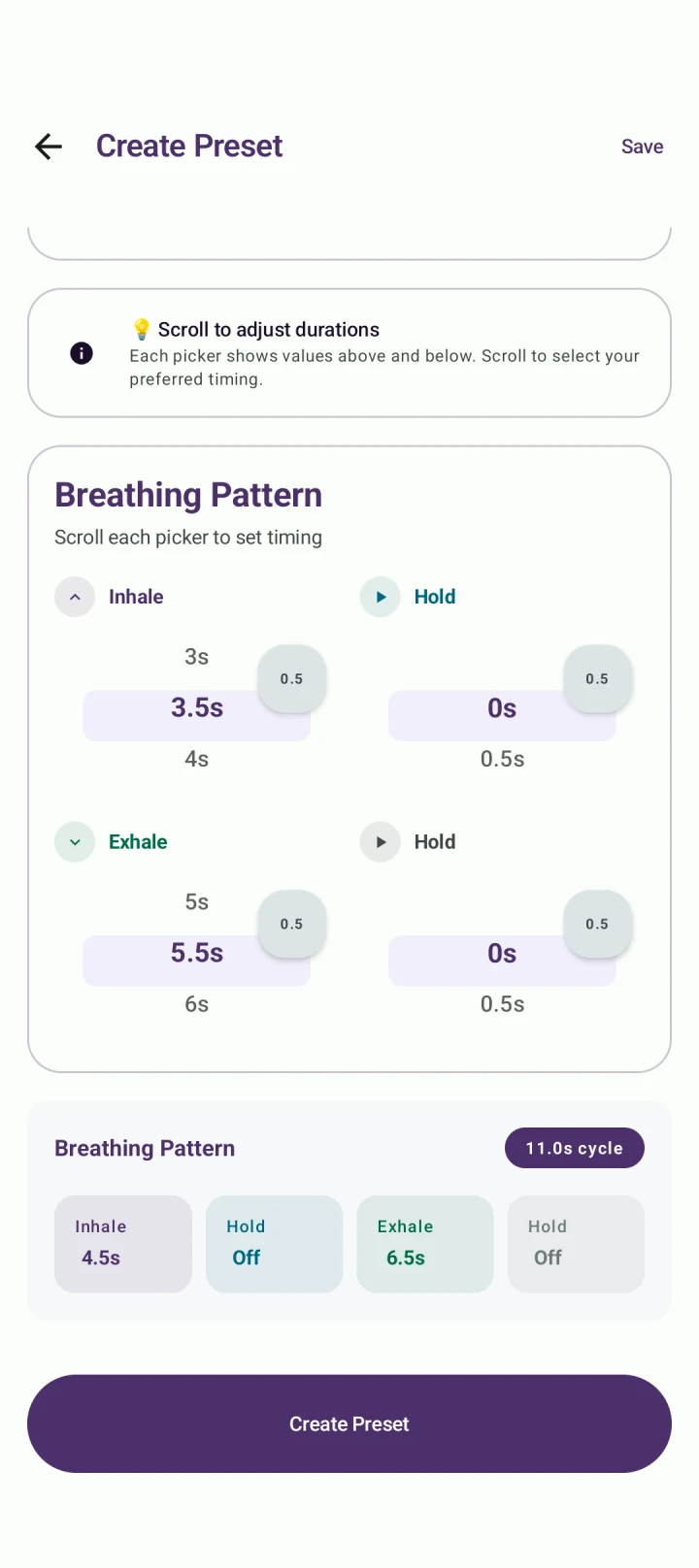
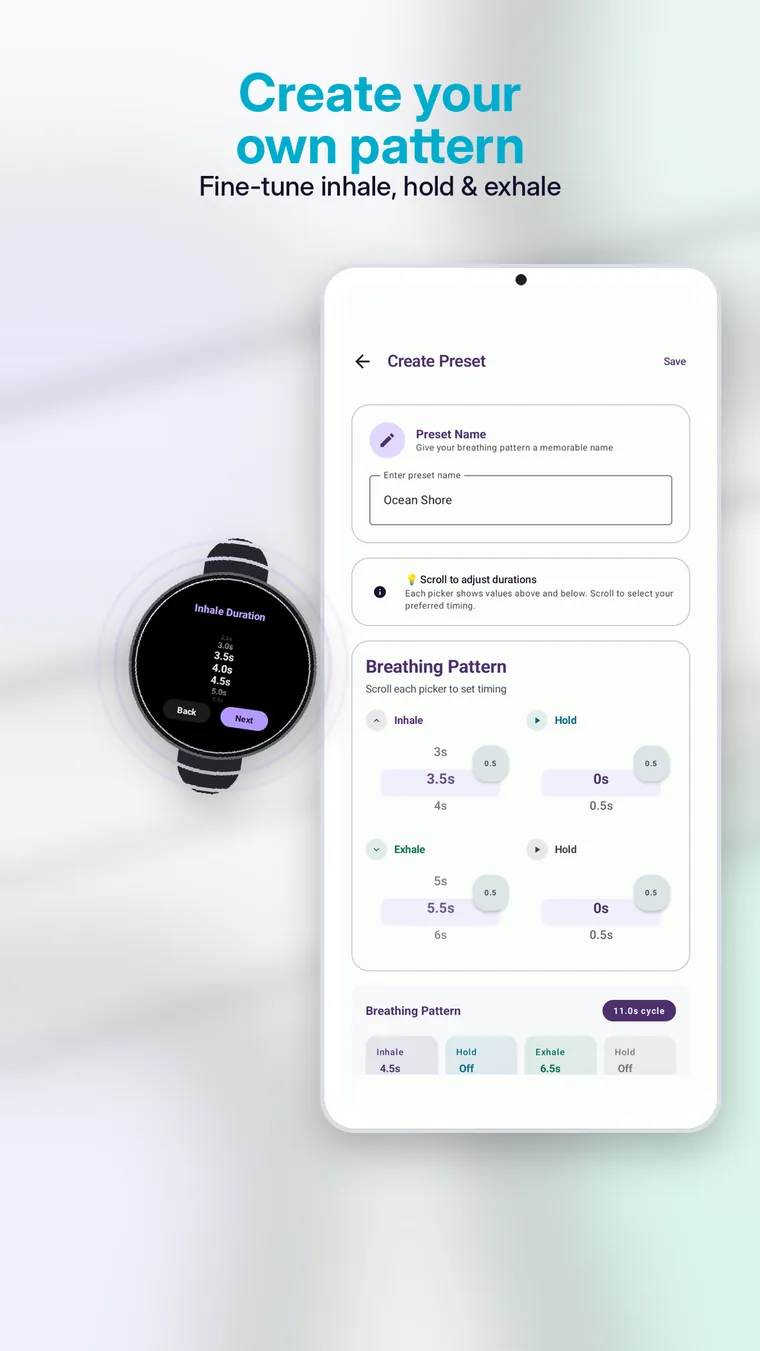
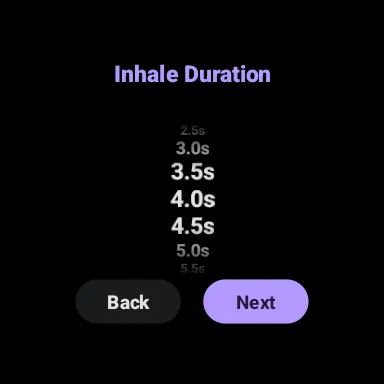
The phone screen gives more room for detailed configuration. After saving a preset, use the Wear OS breathing app for quick access during the actual session.
Do not force timingA ratio that is popular online is not automatically right for you. Shorten holds or return to normal breathing if a pattern feels uncomfortable.