Guided breathing from your Wear OS watch.

Start BreathFriend on a compatible Wear OS watch. Follow haptic or sound cues, choose a breathing pattern and keep your phone put away.

For Android phones and compatible Wear OS watches.

A place to start

Choose a pace you can follow comfortably.

Try the browser breathing timer
  1. Check that your watch runs Wear OS and BreathFriend is available for it in Google Play.
  2. Choose a pattern and session duration. Try the haptic or sound cues while the screen is on.
  3. Start a session from the watch. Test screen-off behaviour with your usual battery settings.
Breathe from your wrist · One-Minute Reset

Start where you already look

A watch can make a short breathing break easier to reach. BreathFriend supports native Wear OS sessions, with watch controls and quick-access options such as the tile where supported. You can use the Android companion for a larger view of setup and history.

Feel the phase changes

Configurable haptics can mark the breathing phases without asking you to keep looking at the display. Sound and visual guidance are also available. Check that the cue strength and volume suit the place where you plan to use the session.

Check the watch, not only the brand

Pixel Watch and Galaxy Watch models that run Wear OS are the relevant device family. Older Galaxy watches using Tizen, Apple Watch and other watch systems are different platforms. Google Play shows availability for your device; individual features may vary.

Why watch-first breathing feels different

A phone can be a useful setup tool, but it is often the wrong object to hold during a quiet breathing break. BreathFriend moves the active guidance to the watch so the session can begin with less friction and remain more private.

The Android companion still matters for browsing, detailed setup, history and recovery trends. The Wear OS app handles custom practice, sensory guidance and supported HRV capture around the session.
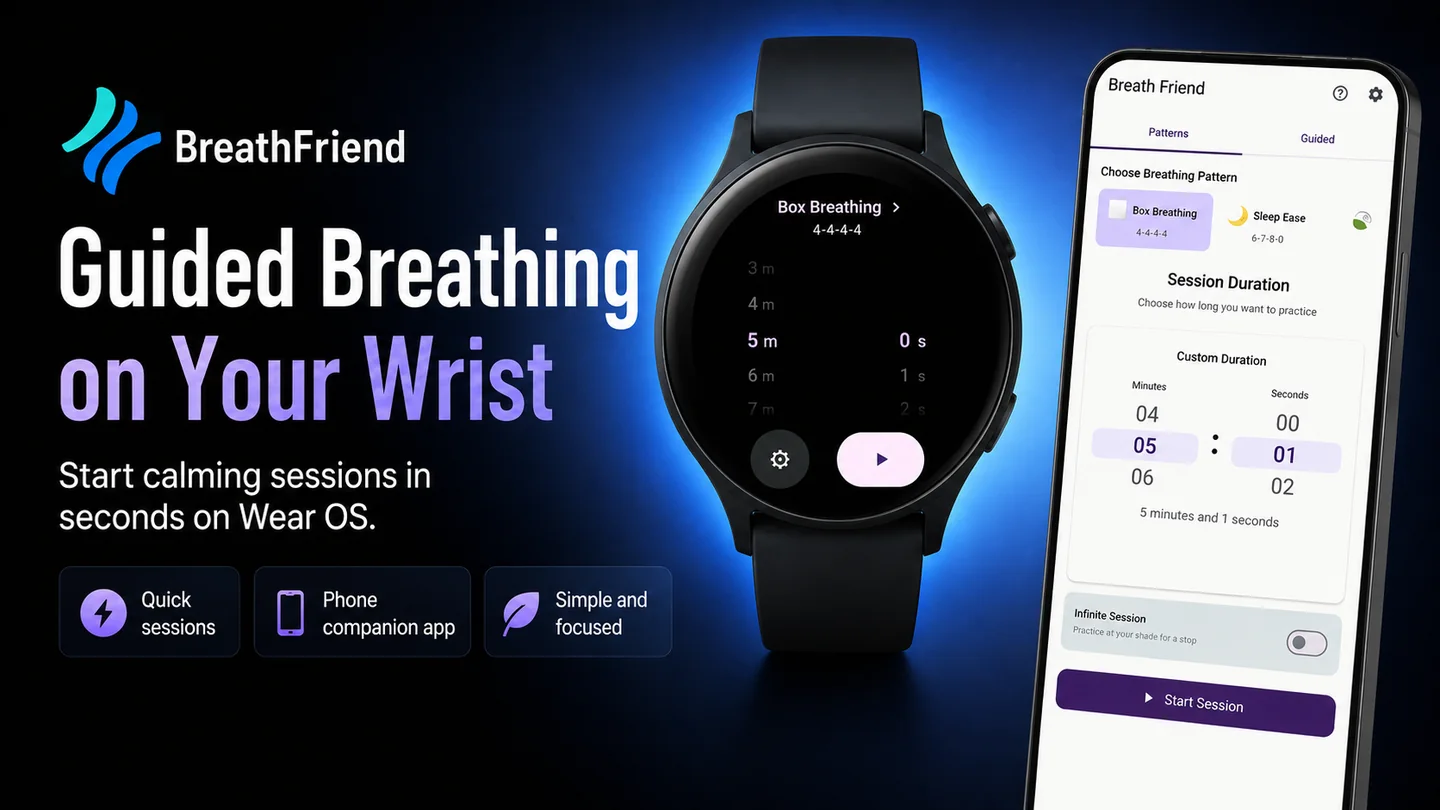
BreathFriend Wear OS guided breathing with the Android phone companion

How guidance works on the watch

BreathFriend can represent the current inhale, hold or exhale phase through several independent cue types. Choose a minimal setup or layer the guidance that fits the environment.

  • Haptic patterns: feel phase changes without looking at the screen.
  • Transition sounds: use clear, separate phase-change cues.
  • Selectable voices: choose the transition voice you want to hear.
  • Background audio: add music or an ambient soundscape during the session.
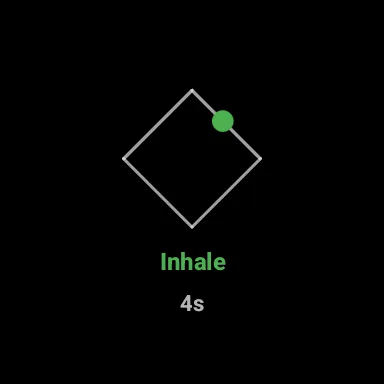
  • Visual guidance: see the current phase, timing and breathing path.
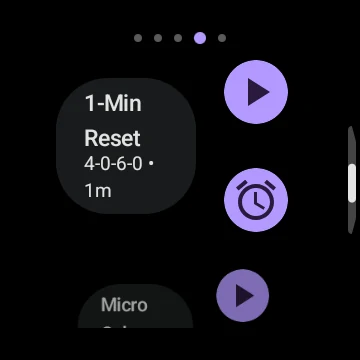
  • Tiles and complications: reduce the number of taps before starting.
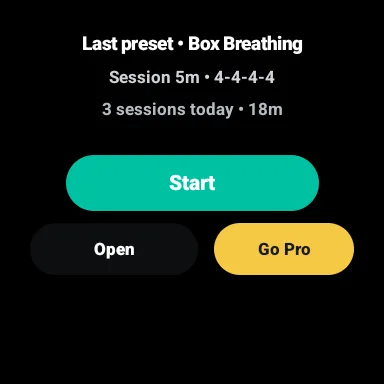
BreathFriend quick-start tile on Wear OSQuick-start tile
Active breathing phase path on Wear OSActive phase path
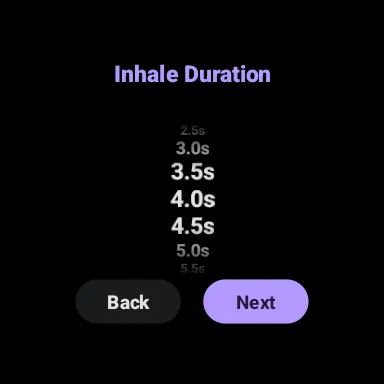
Session duration picker on Wear OSDuration picker
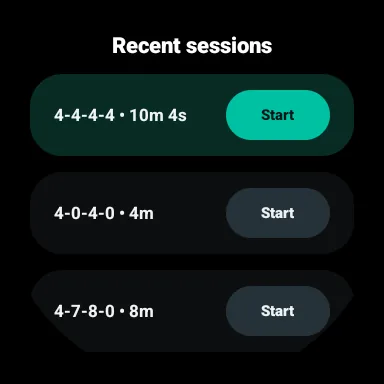
Recent sessions tile on Wear OSRecent sessions

HRV recovery without a separate setup

On supported devices, BreathFriend can measure HRV before and after a guided session, show the change and build recovery trends across repeated practice. The feature is optional and designed as wellness context, not continuous clinical biofeedback.

Useful moments for a watch-based session

A smartwatch guide is especially useful when opening a phone would add distraction. Common examples include a short reset before a meeting, a focus break between tasks, a commute, a quiet moment in public or a bedtime routine.

For the most subtle setup, continue to the screen-off breathing guide. For recovery details, read the HRV guide.

Compatibility noteExact Wear OS behavior, background restrictions and sensor availability can vary by watch model, operating-system version and manufacturer settings.

Start guided breathing from your wrist.

Install BreathFriend on Android and a compatible Wear OS watch.

Before you start

Can breathing guidance continue with the screen off?

BreathFriend supports screen-off guidance on compatible Wear OS devices. Behaviour can vary with the watch, operating-system version and battery restrictions.

Do I need to keep my phone in my hand?

No. Supported breathing sessions can start and run on the watch. Some setup and companion features use the Android phone app.

Does every Wear OS watch support HRV?

No. HRV depends on supported sensors and data sources. Breathing guidance and HRV support are separate capabilities.

Set up your next breathing session.

Choose your rhythm and the cues you want to follow.

Get BreathFriend on Google Play

Feature access and Pro options are explained in the app.