
What “screen-off” means in BreathFriend
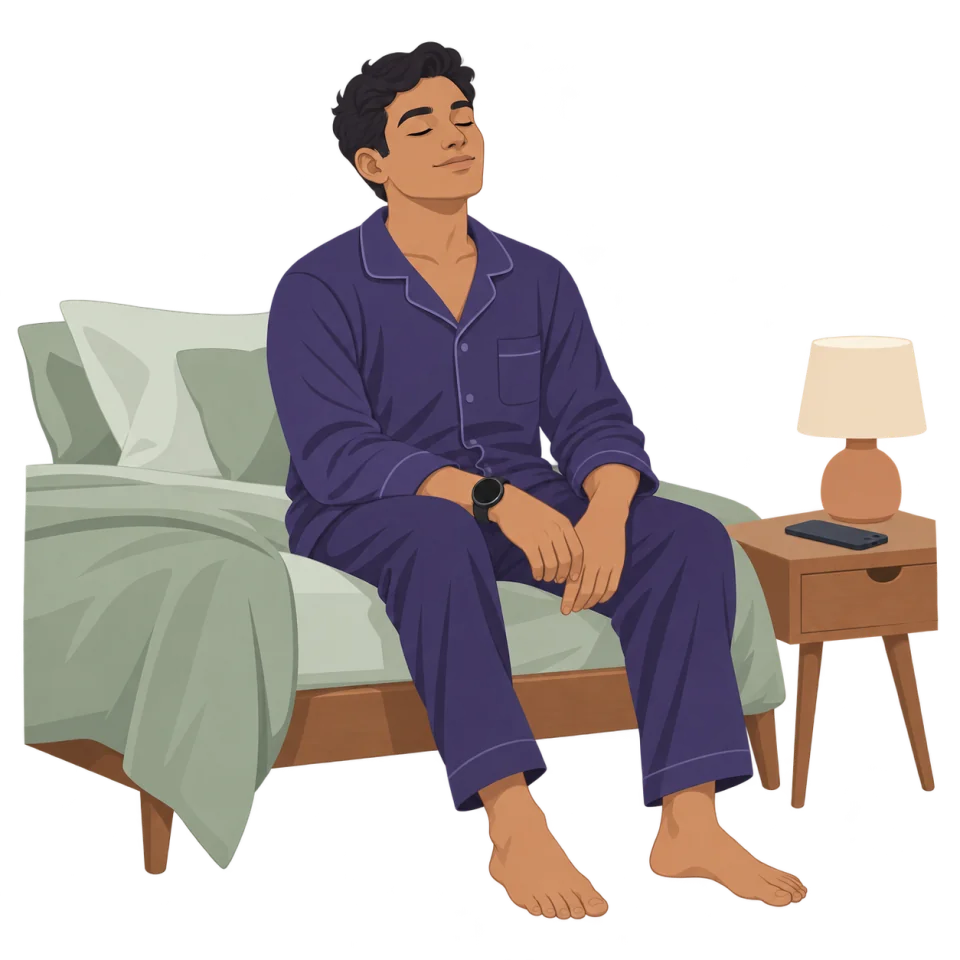
Screen-off use means the active breathing rhythm does not require continuous visual attention. Depending on your settings, the watch can communicate phase changes through haptics, transition sounds or a selected voice while the phone stays away. Background music or an ambient soundscape can form a separate audio layer beneath those phase cues.
This is useful at a desk, during travel or before sleep. It can also make a breathing exercise feel less performative in public because you are not holding a phone with a large animation on screen.
What the experience depends on
Mobile and wearable operating systems apply battery and background limits. Exact behavior can vary by device, Wear OS version, battery saver mode, app permissions and manufacturer settings. Test a short session on your own watch before relying on background guidance.
Choose the cue that fits the situation
- At work: haptic cues can keep the session private.
- Before sleep: quiet transition sounds, a calm voice or haptics can reduce screen exposure.
- During travel: watch guidance and optional ambient audio avoid repeated phone interaction.
- During a focus break: a short preset can start and finish without opening other apps.
See the broader Wear OS breathing app guide, or use the sleep breathing guide to build a nighttime routine.