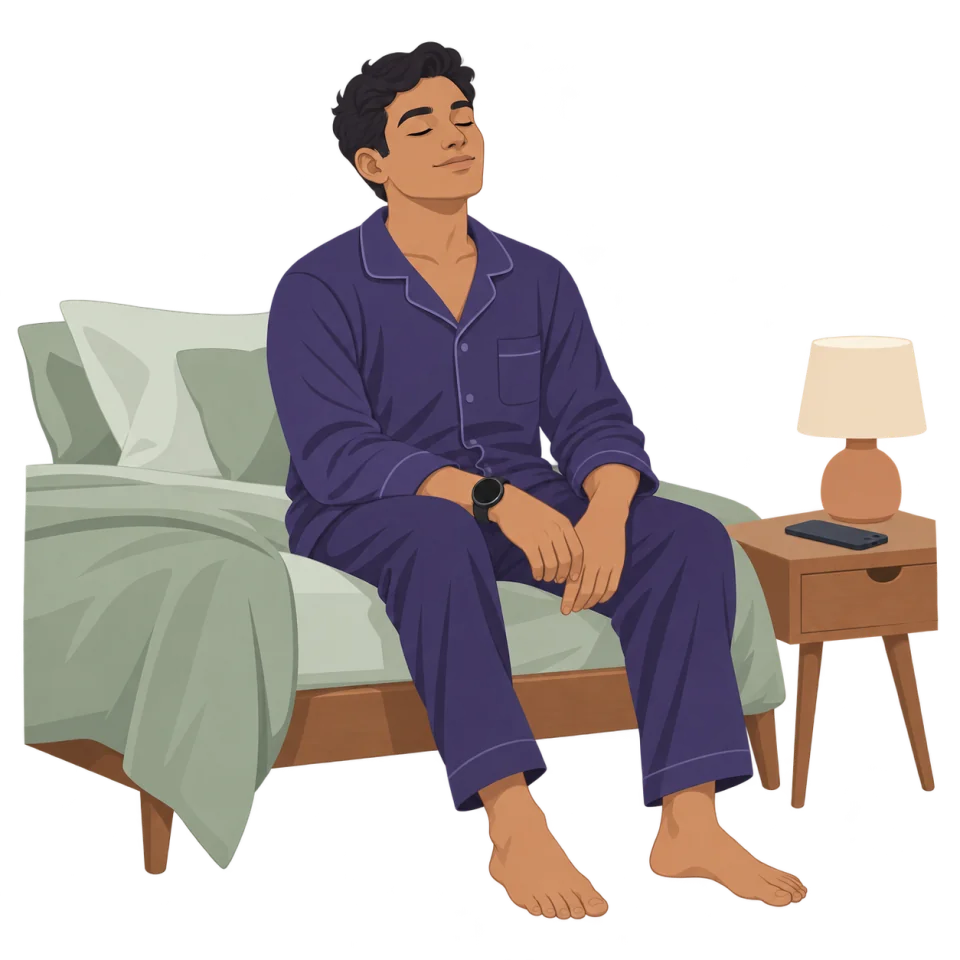
Breathing before bed, with the screen off.

Build a quieter bedtime routine with BreathFriend. Try gentle breathing, optional ambient sounds and screen-off guidance on a compatible Wear OS watch.

For Android phones and compatible Wear OS watches.

A place to start

Choose a pace you can follow comfortably.

Try the browser breathing timer
  1. Choose a quiet place to settle in before bed. Set a duration that fits your evening.
  2. Try Sleep Ease or another comfortable pattern. Adjust the timing if the holds feel too long.
  3. Choose subtle haptics or quiet sound cues. Lower the volume before putting the screen away.
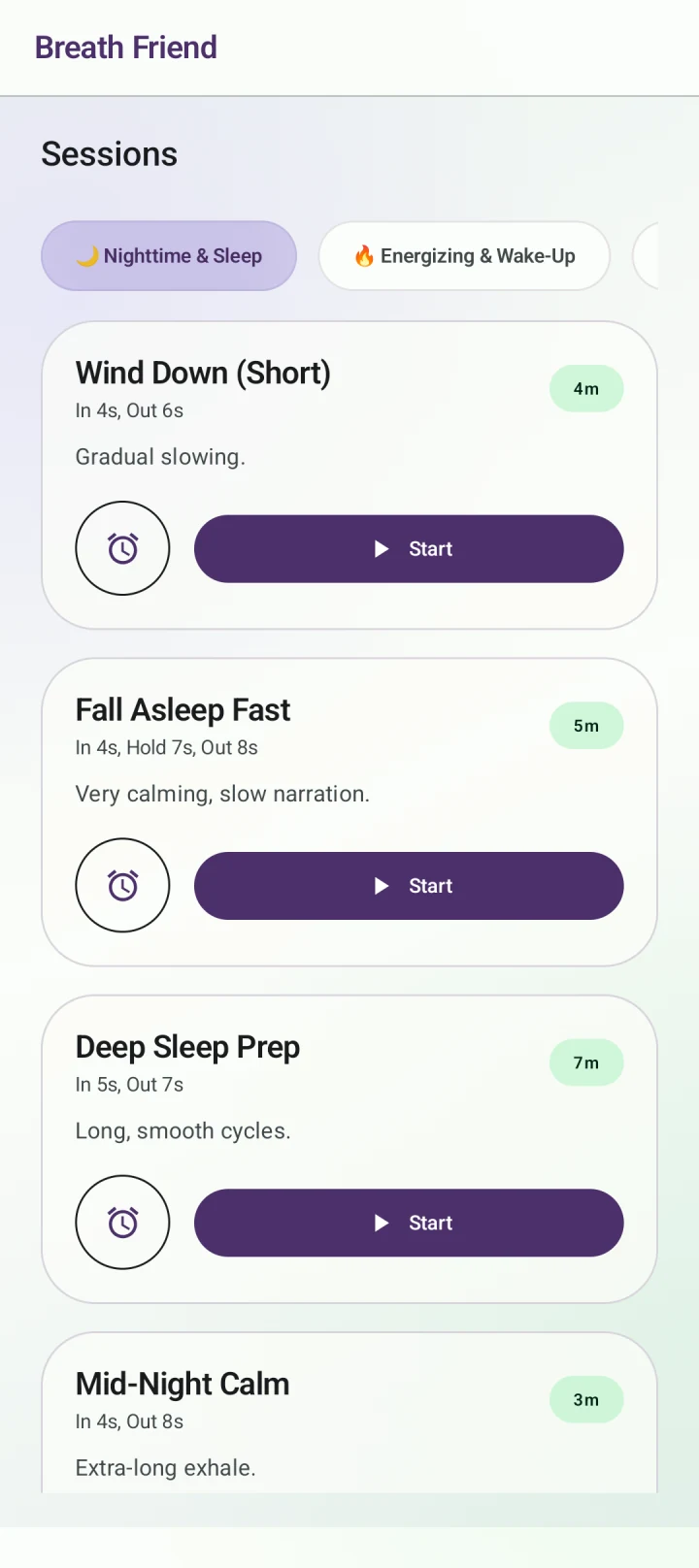
Wind down before sleep · Wind Down (Short)

Make breathing part of winding down

Use the session as a small transition between your day and bedtime. You can select a breathing pattern, set the duration and choose your cues before you settle in. There is no need to keep checking the timer throughout the session.

4-7-8 is one option

The Sleep Ease preset uses the familiar 4-7-8 pattern. That timing will not feel comfortable for everyone. You can shorten the phases or save your own rhythm rather than force a long hold. Choose a pattern that lets you breathe easily.

Less light, guidance you can follow

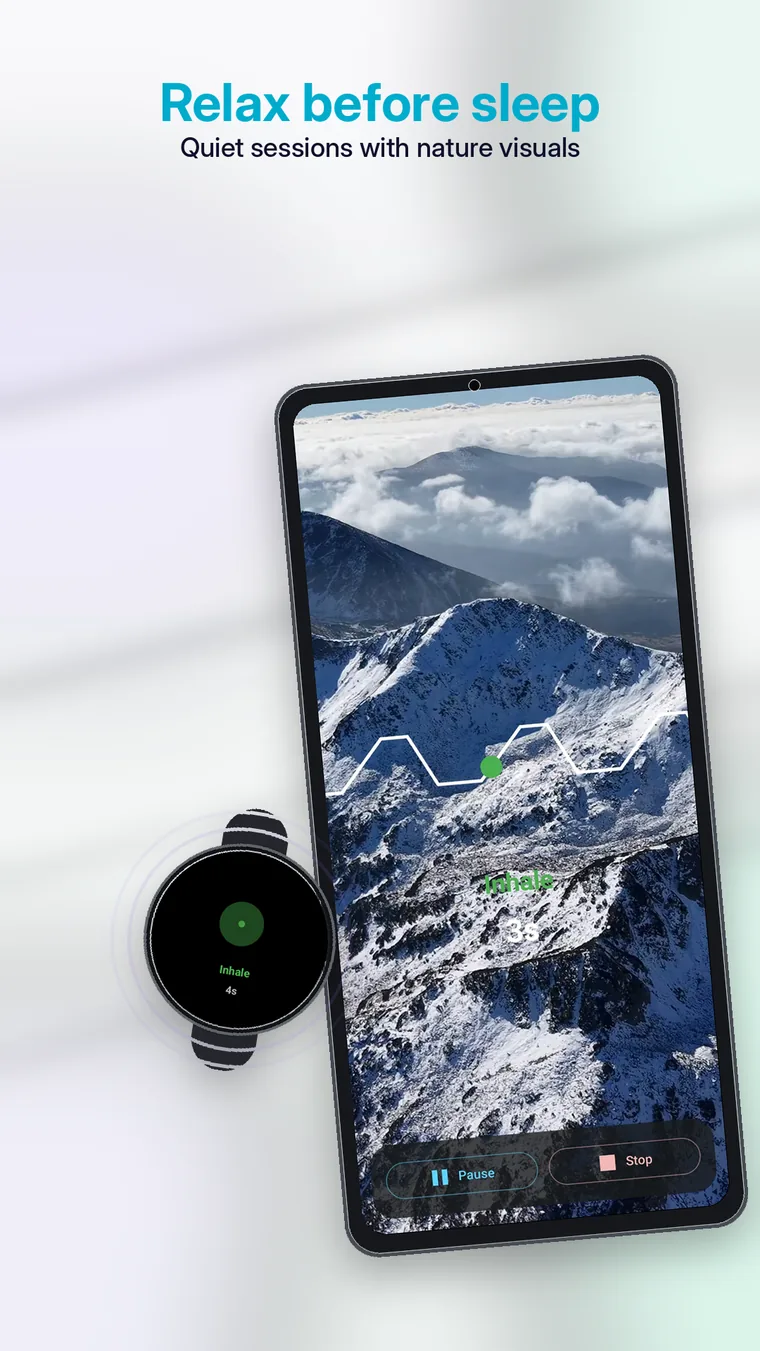
On a compatible Wear OS watch, haptic or sound cues can mark each phase while the display is off. Background behaviour depends on the device and battery settings. Try your setup while awake so you know what to expect at bedtime.

BreathFriend sleep and bedtime breathing options on Android

Keep the guide close while keeping the phone away.

Quiet by design

A pre-sleep routine works better when it is easy to repeat. BreathFriend lets you choose a calm pattern on the phone or watch, then follow it with a dimmer, smaller wearable interface.

  • Use haptics, quiet transition sounds or a chosen voice instead of constant screen attention.
  • Choose a gentle pattern with a comfortable exhale.
  • Add nature visuals, background music or ambient soundscapes when they help you unwind.
  • Use a short session so the routine does not feel like another task.

A simple BreathFriend wind-down routine

  1. Reduce room brightness and finish phone tasks first.
  2. Choose equal breathing, a gentle custom pattern or 4-7-8 if the hold is comfortable.
  3. Start a short session from the watch.
  4. Use haptics or low-volume cues so you do not need to watch the display.
  5. Return to normal breathing when the session ends.

Which pattern should you choose?

Equal breathing is the simplest. A longer exhale can feel slower without requiring a long hold. 4-7-8 is well known, but it is not mandatory and may feel demanding for some people. The custom pattern editor lets you shorten any phase.

Screen-off and dark-screen use

The watch can make the session less visually stimulating than a phone. See the dedicated screen-off breathing guide for device and battery considerations.

Wellness, not treatmentBreathFriend can support a wind-down routine but does not diagnose or treat insomnia or any other condition.
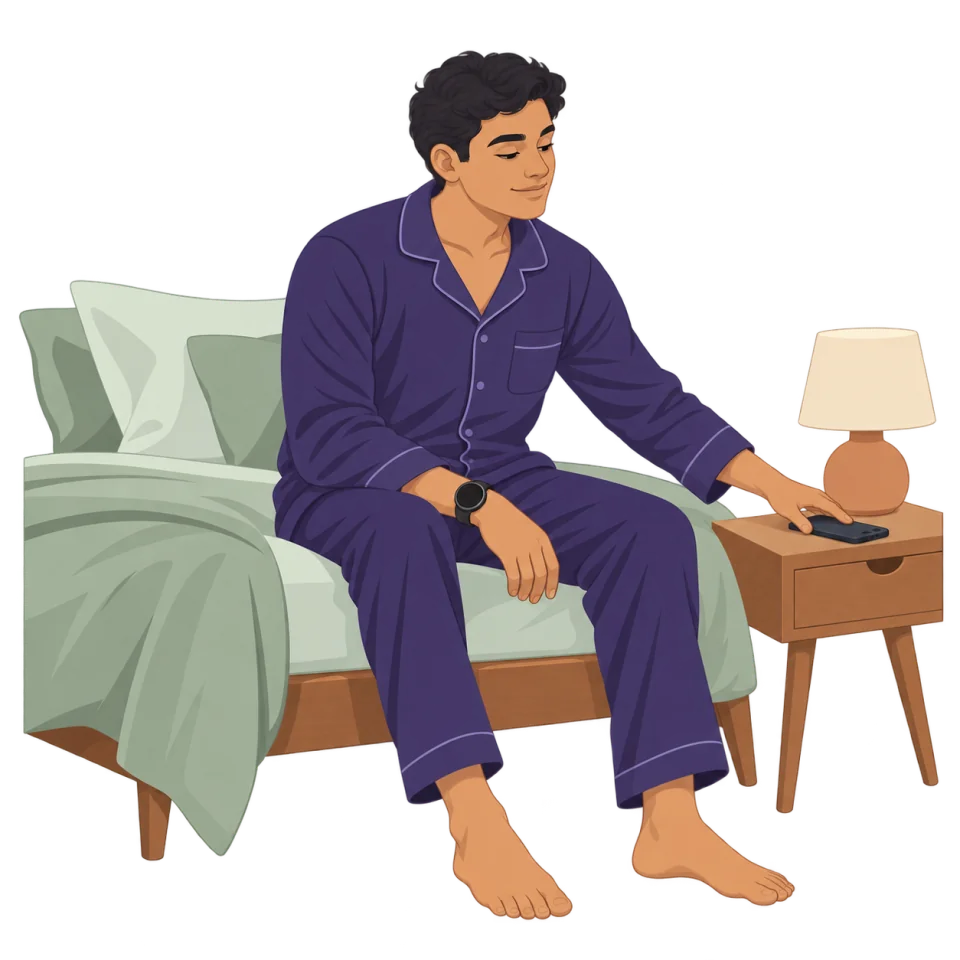
Start a quieter breathing routine before sleep.

Choose a comfortable pace, settle in, and let subtle watch cues guide the session.

Before you start

Will the app make me fall asleep?

No outcome is guaranteed. BreathFriend offers guided breathing for a bedtime routine; it does not treat insomnia or other sleep conditions.

Do I have to use 4-7-8 breathing?

No. Use another preset or adjust the inhale, hold and exhale timing to a comfortable rhythm.

Can I add background sounds?

BreathFriend includes background sound options. Availability can depend on your version and Pro access; check the choices inside the app.

Set up your next breathing session.

Choose your rhythm and the cues you want to follow.

Get BreathFriend on Google Play

Feature access and Pro options are explained in the app.